
Receiving a new Crédit Agricole bank card is not enough to be able to use it. Between the physical card, mobile payment, and virtual card, the activation steps differ and do not trigger in the same place. This guide details each procedure so that your card is operational without delay.
Physical card, virtual card, and mobile payment: what changes at activation
Crédit Agricole now offers three distinct payment methods, each with its own activation process. Confusing them risks blocking an online purchase or an in-store payment even though the card appears valid.
| Method | Activation Mode | Estimated Delay | Immediate Contactless Payment |
|---|---|---|---|
| Physical Card | First ATM withdrawal or first payment with code entry | Few minutes | Yes, after the first operation with code |
| Virtual Card | Activation in the client area or My Bank | Immediate | Not applicable |
| Mobile Payment (Apple Pay, Google Pay) | Add in the Mobile Payment app then validate | Few minutes | Yes, upon validation |
The physical card remains the most common method, but mobile payment now represents one in five card payments at points of sale according to the 2025 report from the Payment Means Security Observatory. Activating only the plastic card without setting up the mobile wallet means ignoring a usage that has become common.
To find information on Investir Actif regarding this procedure, the process is also detailed there from a practical perspective.
Activating the Crédit Agricole bank card at the ATM
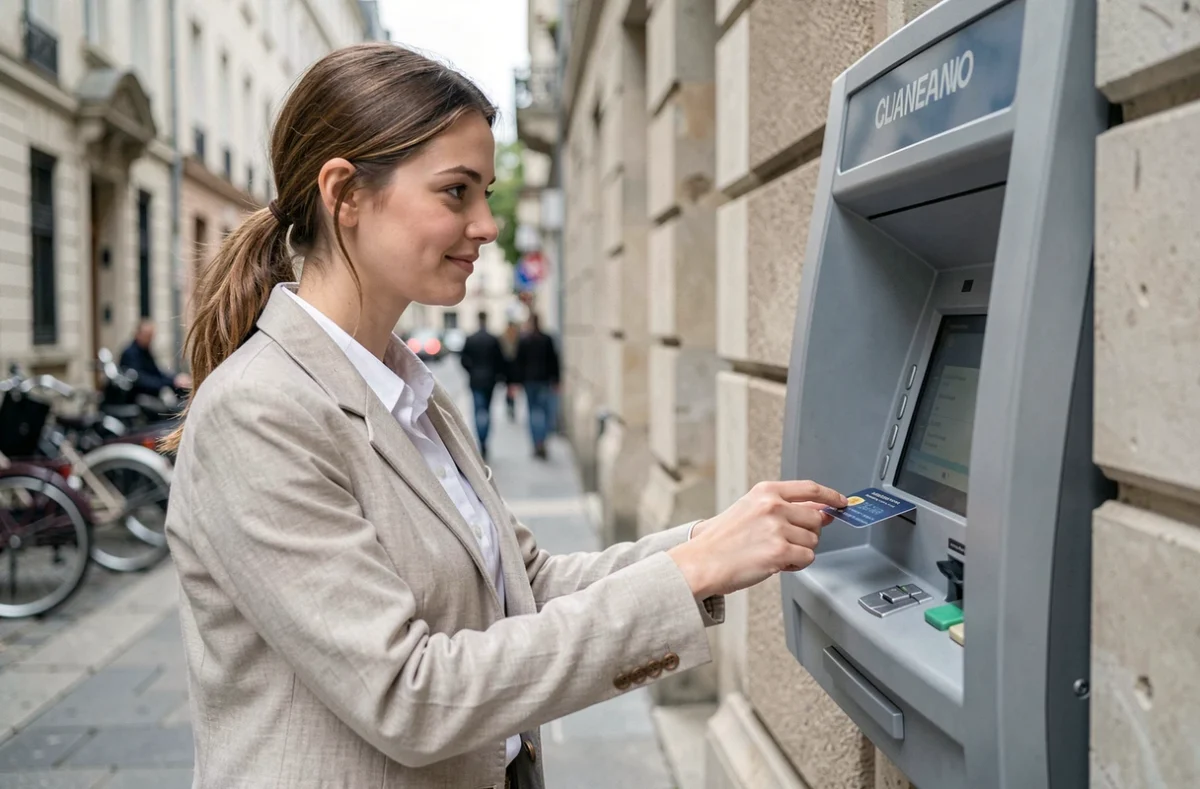
The most direct method to activate a new Crédit Agricole bank card is the first withdrawal at the ATM. Insert the card, enter the confidential code received in a separate mail, and make a withdrawal, even a minimal one. This operation triggers the full activation of the card, including contactless payment.
The confidential code should never be noted down or kept near the card. Crédit Agricole reminds that no one, neither an advisor nor police service, is authorized to ask you for it. Memorize it by heart upon receipt.
First payment at a merchant as an alternative
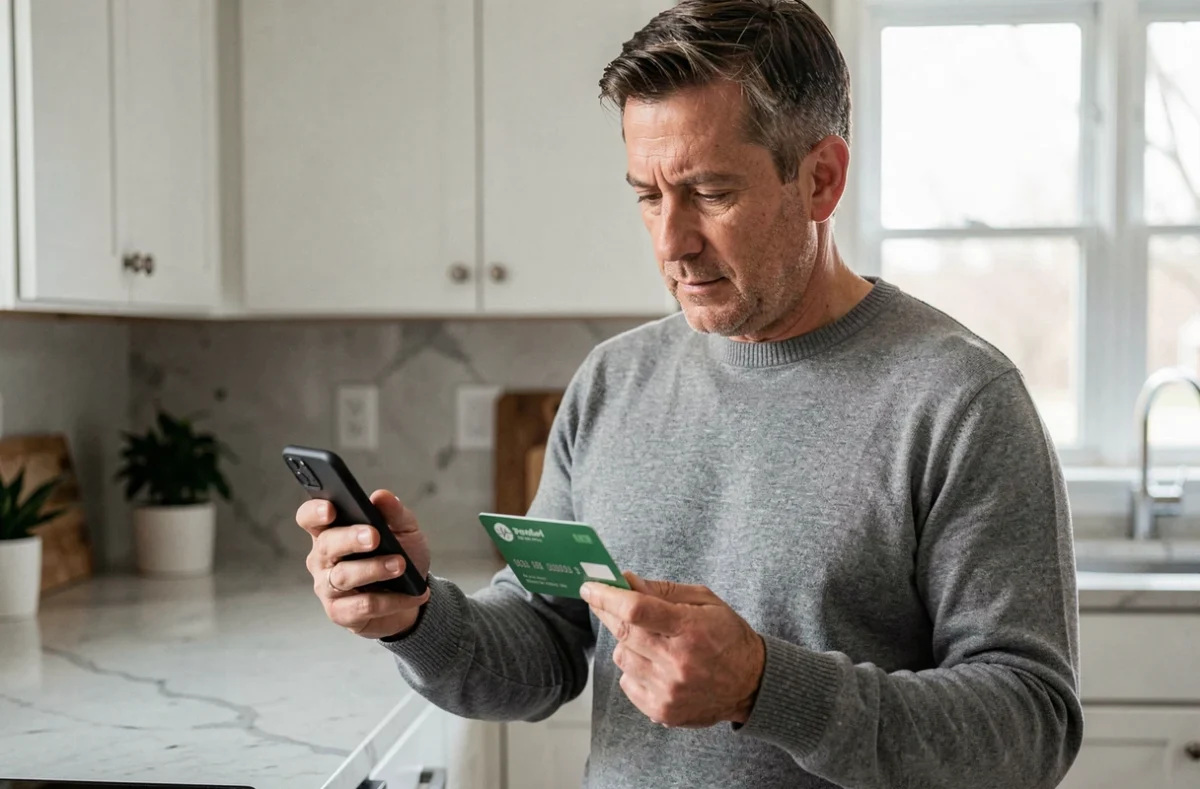
If no ATM is accessible, a payment with code entry at a merchant also activates the card. The contactless feature will then work normally. However, a contactless payment cannot serve as the first operation: code entry is mandatory for this initial step.
Card settings in My Bank and the online client area
Once the card is activated, Crédit Agricole centralizes the management of settings in two interfaces: the My Bank app on smartphone and the client area accessible from a browser. This centralization, documented on the Crédit Agricole page updated on September 10, 2026, groups functions that previously required a call to the agency.
Here’s what you can manage directly from these interfaces:
- Consult your confidential code in case of forgetfulness, without waiting for a new postal mail
- Deactivate or reactivate remote payment (e-commerce), payments abroad, and contactless
- Temporarily lock the card if you think you have misplaced it, then reactivate it if you find it
- Track the card transaction history in real-time
The temporary lock prevents making a definitive opposition for a card simply misplaced at home. The opposition remains irreversible and leads to the issuance of a new card with a new number.
Remote payment and limits
By default, online payment is active on most cards. If you encounter a refusal during an online purchase just after activation, check in My Bank that the “remote payment” option has not been deactivated. This setting is found in the section dedicated to managing your payment card.
Activate Crédit Agricole mobile payment on smartphone
The Crédit Agricole Mobile Payment app is available on Android and iOS. It allows you to make purchases in-store with your smartphone, but also to access a virtual backup card in case of loss or theft of the physical card.
Activating mobile payment is a separate step from activating the physical card. Download the app from Google Play or the App Store, then link your Crédit Agricole bank card by following the validation instructions. The app requires a minimum version of the operating system (the exact thresholds are indicated on each store).
Mobile payment security
The card data is not stored in clear on the phone. A virtual card number (token) replaces the real number during each transaction. All services of the Mobile Payment app are free for individuals, excluding communication costs related to the operator.
Crédit Agricole bank card: errors that delay activation
Some situations block activation without the holder understanding why. The most common: entering an incorrect code three times at the ATM. The card is then captured or blocked, and only the agency can resolve the situation.
- Code confused with that of the old card (automatic renewal keeps the same code, but a replacement due to opposition generates a new code)
- Attempt to activate via contactless payment, which does not work as the first operation
- Card not yet linked to the account in the banking system (technical delay after receiving the mail)
Automatic renewal keeps the same confidential code, which eliminates a common source of error. However, any card issued after an opposition involves a new code sent separately.
If the card remains inactive after several correct attempts, directly contact your Crédit Agricole agency. A computer linkage issue to the account may require a manual intervention that neither My Bank nor the online area can resolve.